
Leon Valley Warrant Office Contact
The Municipal Court is at 6400 El Verde Road, Leon Valley, TX 78238. Call 210-684-1391, extension 607, for the clerk and court administrator. The city lists general hours Monday through Thursday, 7:30 a.m. to 6:00 p.m., and Friday, 8:00 a.m. to 5:00 p.m. Check the city’s current notice before traveling, especially when a payment or recall date matters.
Use the city’s court page for the warrant route and direct the case question to the clerk. That keeps a city citation with the office that can explain the city docket and its available options.
Leon Valley Warrant Checks
Start with the city’s Municipal Court warrant page. It explains how failure to use available court options can lead to a warrant and points to an online payment route. Check the city docket listings as well. If the record does not answer whether a warrant was recalled, call the clerk rather than treating the payment screen as confirmation.
- Open the Leon Valley warrant page and use the listed city payment or recall steps.
- Check the city docket listings for a case or court date linked to your notice.
- Call 210-684-1391, extension 607, if the search is missing or the status is unclear.
- Ask the clerk whether an in-person visit, payment, reset, or legal advice is needed next.
Leon Valley Warrant Notices and Dockets
The city court publishes docket listings and describes pre-warrant notices. Those materials give a resident a way to see how a city case is moving before assuming an enforcement status. A docket entry is still different from a direct clerk confirmation about an active warrant or whether an appearance can be reset.
The court landing page identifies the court administrator and clerk contacts. Its docket page is separate from the warrant instructions, so check both when a notice or missed setting is involved.
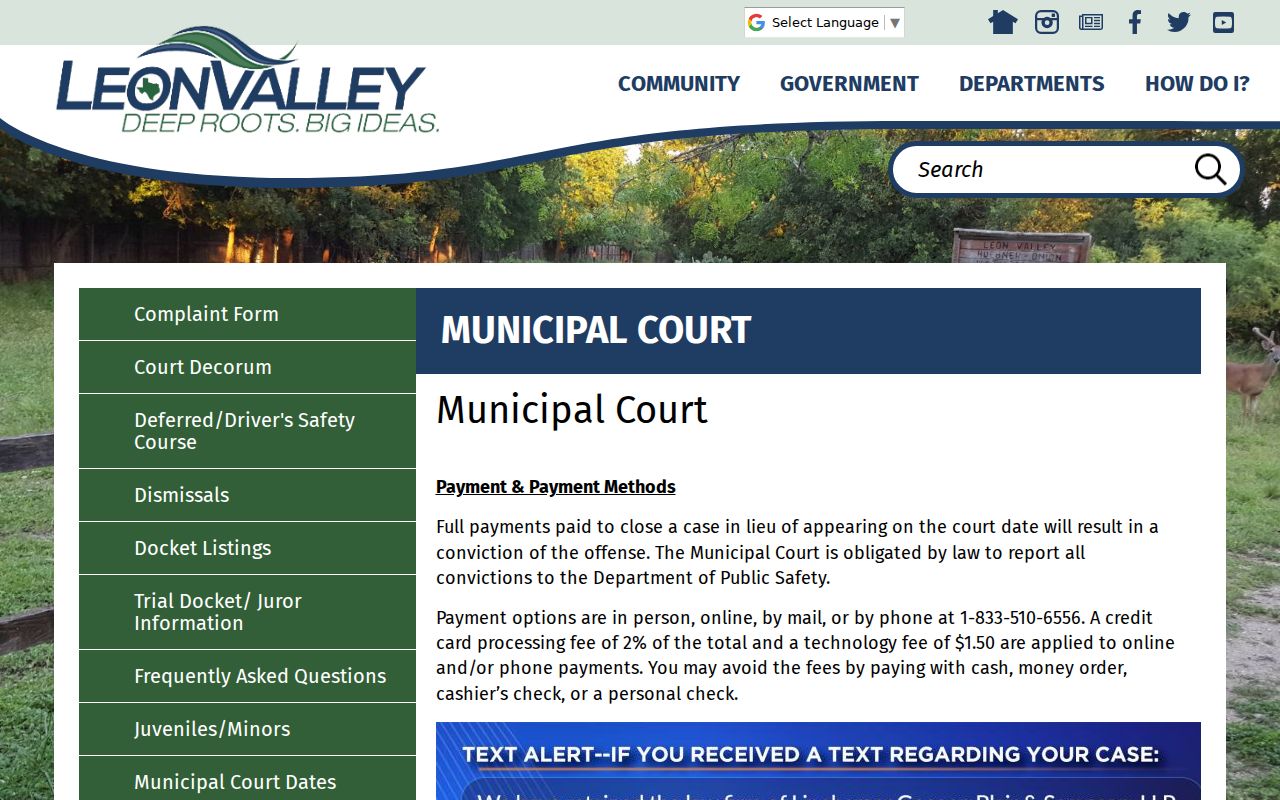
The city court page shows its contact and pre-warrant notice route.
Read the notice with the case number in hand, then ask the clerk what action remains open.
Leon Valley Police and Municipal Court
The Municipal Court handles the city’s citation and warrant decisions. The Police Department is a separate city service and may route a resident to the court, but it does not set court payment terms or recall a warrant. The city’s public police page did not expose a dedicated warrant list during research.
Leon Valley Municipal Court
6400 El Verde Rd., Leon Valley, TX 78238
210-684-1391 ext. 607
Leon Valley Warrant Payment and Recall
The city links an online payment portal for warrant-related resolution. Before entering information, compare the case number with the citation and use only the route on the official city court page. A completed payment is not the same as a confirmed recall. Contact the clerk after paying to ask whether the warrant status changed and whether another appearance is still required.
The portal link is a city convenience, while the clerk remains the source for an individual case decision. Keep the receipt and any new court notice so a later phone call can refer to the exact transaction.
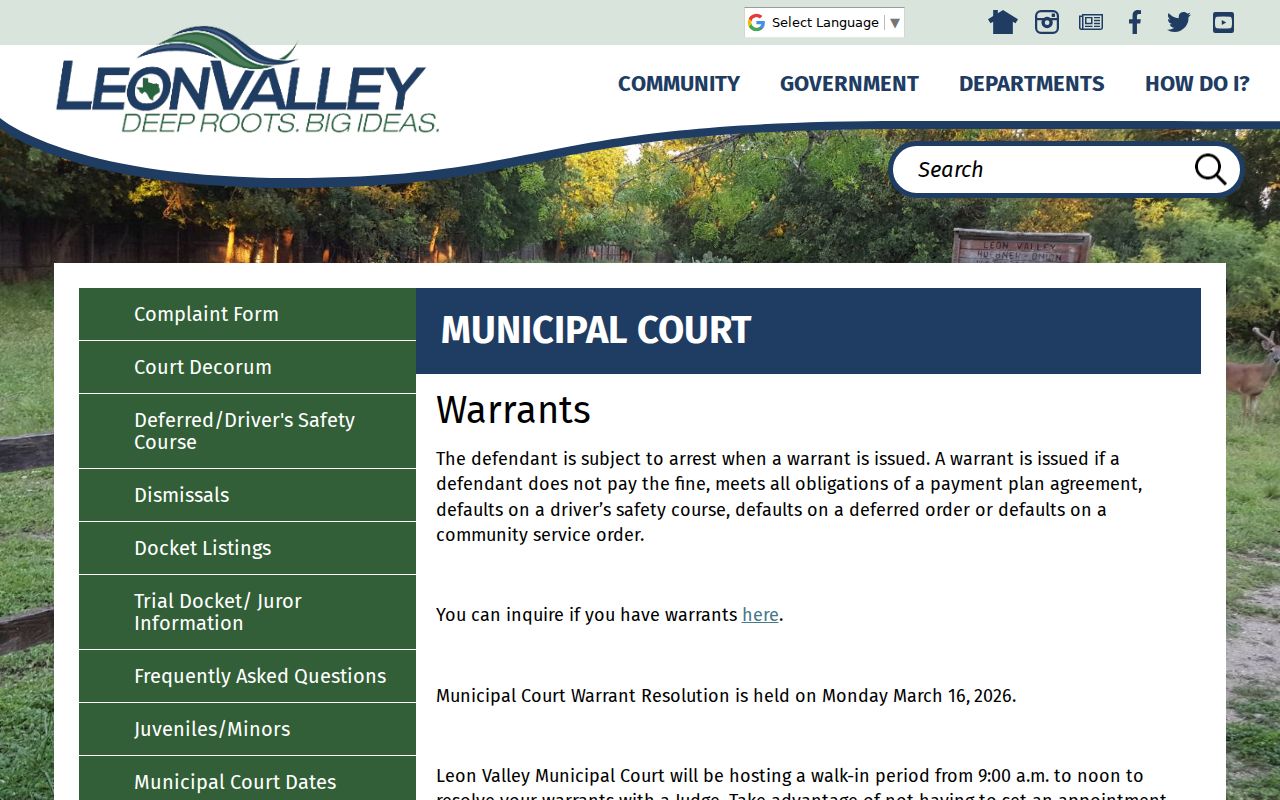
Leon Valley’s warrant instructions lead residents to its municipal payment service.
Review the official Leon Valley warrant instructions before opening the payment route.
Use the court contact to verify that a payment or recall step posted to the correct case.
Warrants in Leon Valley: The Main Types
City residents most often need to separate an unpaid citation, a missed municipal court date, a later capias, and an arrest warrant tied to a separate criminal complaint. The court record controls the label. A city citation route can differ from county felony process or a JP ticket.
| Warrant Type | How It Arises | Who Issues It |
|---|---|---|
| Traffic citation warrant | Missed date or unresolved city ticket | Leon Valley Municipal Court |
| Ordinance process | Unresolved city-code matter | Leon Valley Municipal Court |
| FTA or capias | Failure to use a court option or attend | Municipal judge |
| Arrest warrant | Complaint and probable-cause review | Magistrate or judge |
Leon Valley Warrant Walk-In Event
The city listed a warrant-resolution walk-in for Monday, March 16, 2026, from 9:00 a.m. to noon. That date has passed. Do not describe the event as open or assume its terms continue. For an active city case, call the clerk and ask what ordinary payment, reset, or appearance options exist now.
A dated event announcement can explain a past service window, but it does not itself change the status of a warrant after the event closes. Use the current city court notice for the next date or process.
Leon Valley Warrant Records: What They Show
The city’s inspected pages did not show a public result-field schema or a live warrant roster. A case number, citation, name, date of birth, and court notice help the clerk locate the city file. Ask for the current warrant status and the next date rather than assuming a county felony list contains the municipal record.
| Warrant / Cause Number | Number shown on citation; no public format guide was located. |
|---|---|
| Subject Name | Name on the city notice, matched with the case number. |
| Charge / Offense | City citation or court matter tied to the file. |
| Issuing Court | Leon Valley Municipal Court. |
| Bond / Fine Amount | Ask the clerk for the current amount and available options. |
| Status | Confirm open, recalled, or paid status with the court. |
Leon Valley Warrant Police Routing
Leon Valley Police Department lists dispatch at 210-684-8897. Use that number only for appropriate routing or safety questions. The police page did not show a dedicated public warrant portal, and dispatch cannot decide a fine, reset a court date, or recall a municipal warrant. The court clerk handles those record and resolution questions.
Keep the distinction clear when seeking help: police route a call, while the Municipal Court gives the official case answer. For an immediate emergency, use emergency services rather than a court line.
Leon Valley Warrants and Bexar County
Leon Valley Municipal Court keeps its city citation and warrant process; county felony and JP records use different offices, and Texas DPS/OmniBase tracks court-reported FTA/FTP compliance rather than a public warrant search. For those separate records, use the Bexar County warrant records overview and follow the court printed on the case.
Warrant flow: Leon Valley Municipal Court / Police › Bexar County Sheriff, when a county matter is involved › Texas DPS compliance reporting, if applicable.
Leon Valley Warrant Status Follow-Up
After using the online payment route or attending court, save the receipt, case number, and any reset notice. Contact the clerk to confirm that the payment posted to the right case and whether the warrant was recalled. If a driver-license hold is involved, ask the court whether it reported compliance and when to check the state record again.
This follow-up matters because a payment page and a court status are separate records. Keep the city’s written confirmation with your own case papers.
Accessing Leon Valley Warrant Records
The Texas Public Information Act generally permits access to public records, subject to confidentiality laws and exceptions. Arrest warrants and supporting affidavits are identified as public under Code of Criminal Procedure Article 15.26. Juvenile records and protected information can be withheld or redacted. Ask the city clerk what part of a specific municipal court record is available.
Key Rules:
Texas Public Information Act, Government Code Chapter 552 - public records access has statutory exceptions.
Texas Code of Criminal Procedure Article 15.26 - arrest warrants and supporting affidavits are identified as public.
Texas Family Code Chapter 58 - juvenile record access is restricted.
Leon Valley’s 2026 walk-in resolution event was listed for March 16 from 9:00 a.m. to noon; that date has passed and is not an open option. The standing route is the city warrant page, online payment instructions, and clerk contact, with docket listings published separately. A pre-warrant notice may describe a response before court process issues, so read the specific notice rather than assume a later payment clears an existing warrant.
When you call the clerk, ask whether the court received a payment, appearance, or notice response, what action remains, and how a recall is recorded. The police page did not expose a dedicated public warrant portal; routine status questions belong with the court, while police dispatch routes appropriate police matters. Follow the current city instructions for the case.
For court action after a notice, take the docket date and citation number to the clerk. Ask whether the listed date is a hearing, a compliance deadline, or a preliminary reminder; those have different implications for the next step.